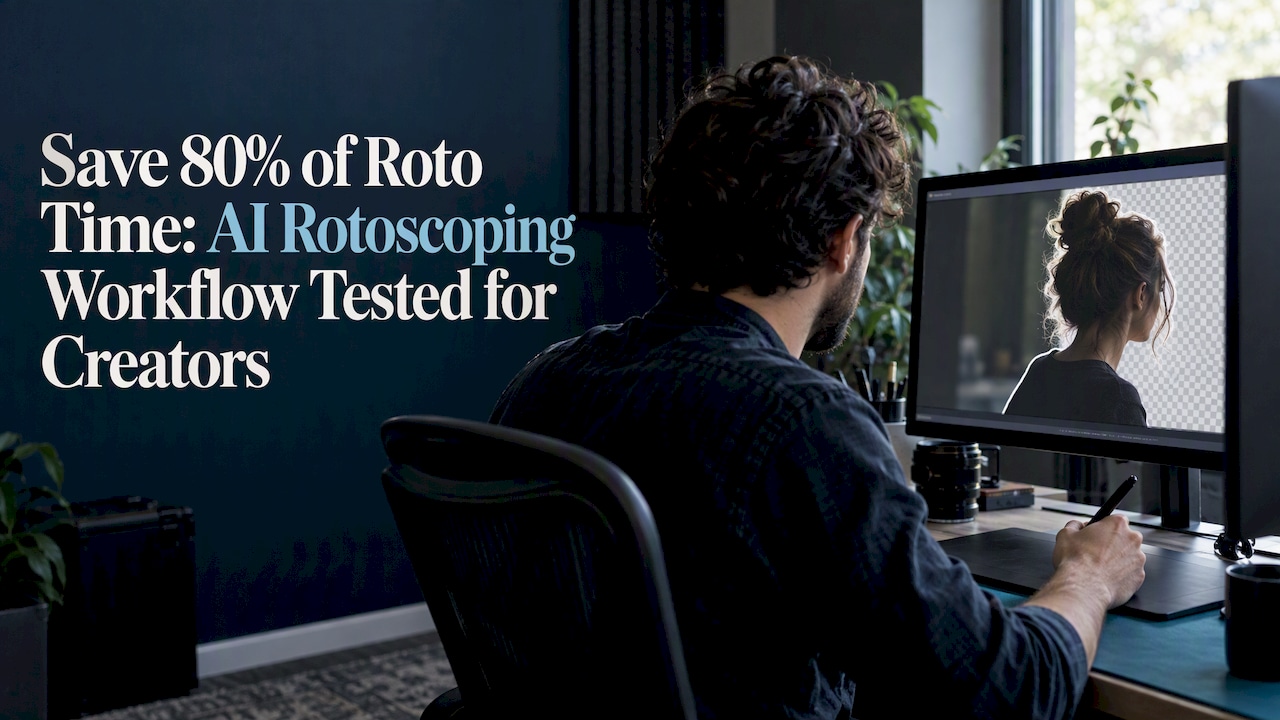
AI rotoscoping automatically generates frame masks or stylized rotoscope results, cutting blocking time dramatically, but it usually needs manual cleanup for production-grade shots. The current wave of tools (segmentation models like SAM, propagation engines like DeAOT, and generative stylizers like AnimateDiff) gets you a strong first pass in minutes instead of hours. For hair, motion blur, and transparent edges, you should still plan for a manual pass before final delivery.
TL;DR:
- AI rotoscoping tools generate initial masks in seconds, reducing manual labor but still requiring refinement on hair, motion blur, and transparency edges.
- Segmentation plus propagation models are best for maintaining object identity and stylized outputs, while stylizers like AnimateDiff are suited for creative reinterpretation.
- Manual cleanup remains necessary for production-quality shots, especially on complex motion, occlusion, or fast limb movement, regardless of AI speed.
- Different tools serve various project types: Roto Brush and Resolve for broadcast, web-based options for social clips, and stylizers for creative projects.
- Proper workflow involves preflighting, AI pass, freezing masks, manual refinement, and quality control to meet delivery standards.
Table of Contents
- Rotoscoping history and how AI changes the workflow
- How AI rotoscoping works: segmentation, tracking, and stylization
- Which AI rotoscoping tools and workflows creators actually use
- A step-by-step workflow from first pass to final export
- What our hands-on testing showed about AI rotoscoping
- A pragmatic take on AI rotoscoping for real projects
- Where to find tested rotoscoping-adjacent tools on TechVideoBlog
- FAQ
- Sources
Rotoscoping history and how AI changes the workflow
Rotoscoping is not new. Max Fleischer patented the process in 1917, tracing live-action footage frame by frame to create animation, and Disney used similar tracing techniques for decades afterward. That manual tradition stuck around because it works, but it is slow: historical rotoscoping reportedly took 5 to 10 hours to produce about 5 seconds of finished footage, frame by frame, by hand.

Manual roto never fully disappeared from professional pipelines because edge fidelity matters. A compositor working in 32-bit float needs clean alpha channels, accurate color matting, and mattes that hold up under grading, and a sloppy edge becomes obvious the moment you push contrast or add a background plate.
AI changes the economics of that work without replacing the judgment call at the end. Here is what shifts in practice:
- Segmentation models generate a usable first-draft mask in seconds instead of requiring a hand-drawn shape on every frame.
- Propagation algorithms carry that mask across a clip, so you are correcting drift instead of starting from zero on frame two.
- Stylized video-to-video tools skip photorealistic matting entirely and reinterpret the footage as animation, which suits creative projects more than broadcast compositing.
The net effect: AI handles the repetitive 80% of roto work, and your time goes toward the 20% that actually requires an eye for edges.
How AI rotoscoping works: segmentation, tracking, and stylization
Most AI rotoscoping tools fall into one of two technical camps, and knowing which camp a tool belongs to tells you what kind of output to expect.
The first camp is segmentation plus propagation. A model like Meta’s Segment Anything Model (SAM) identifies an object in a single frame, then a propagation algorithm carries that identification forward through the clip. The Lester method documents exactly why this pairing matters: applying SAM to each frame independently produces inconsistent labels that break temporal coherence, because the model has no memory of what it segmented one frame earlier. Pairing SAM with a tracker such as DeAOT (or a pipeline like SAM-Track) fixes that by carrying object identity across frames, and Lester adds contour simplification, specifically the Douglas-Peucker algorithm, to turn noisy pixel masks into clean polygonal outlines suited to retro-style 2D animation.
- Segmentation-first tools excel at object identity and are good for flat-color stylized outputs.
- Propagation-based tools like Roto Brush 3.0 lean on motion tracking plus refine-edge controls for photorealistic mattes.
- Generative video-to-video tools like AnimateDiff do not produce a true alpha matte at all. They restyle the entire frame while preserving motion, which works for creative reinterpretation but not for compositing a subject onto a new background.
Lester’s segmentation-plus-tracking method proved more practical than pose-based approaches for in-the-wild footage, according to the arXiv paper on the technique, because it does not require a clean skeletal model of the subject to function.
The tradeoff across all of these approaches is consistent: the more stylization a tool applies, the less you can trust its alpha quality for traditional compositing, and the more temporal stability you want, the more manual refinement you should budget for hair, motion blur, and fast-moving limbs.
Which AI rotoscoping tools and workflows creators actually use
Four tool categories cover almost every practical rotoscoping job, and matching the category to your deliverable saves time before you open a project file.
- Adobe After Effects Roto Brush 3.0 integrates directly into a compositing timeline, using AI propagation to track a subject across frames once you make a single selection. The Refine Edge tool handles fine details like hair, and the Live Update feature recalculates the mask as you scrub, with a Freeze command to lock a span once you are satisfied. Classic controls, Motion Threshold, Edge Detection, and Motion Damping, remain available for manual tuning when the AI guess needs correcting.
- DaVinci Resolve Magic Mask runs on the Neural Engine and builds masks from click-based guidance with forward and reverse tracking. A widely shared crop-and-scale hack improves results on small subjects: you crop and scale up before applying Magic Mask, let the tracker work with more apparent detail, then invert the transform to fit the original frame. This reduces the edge chattering that Magic Mask is known for on distant or small subjects.
- Web-based click-to-mask tools trade fidelity for speed, which fits short social clips where a slightly soft edge goes unnoticed at phone-screen size. These tools tend to struggle with fine hair strands and produce lower-bit-depth mattes than desktop options, so they are not the right choice for broadcast delivery.
- Video-to-video stylizers like AnimateDiff preserve motion from source footage while changing its visual style entirely, turning live action into anime or claymation-style animation. These pipelines matter when the creative goal is restyling rather than extracting a clean alpha, and they pair naturally with the kind of dynamic motion capture discussed in guides on action videography.
Pro Tip: Match the tool to the deliverable first: social clips tolerate web-based speed, broadcast work needs Roto Brush or Resolve-level control, and stylized animation projects should start with a video-to-video model instead of a traditional matte tool.
A step-by-step workflow from first pass to final export
- Preflight the plate. Clean up noise, run a stabilization or tracking pass if the camera moves, and decide your processing resolution and the frame span you are rotoscoping in one batch.
- Run the AI pass. Choose segmentation-based masking or a propagation tool like Roto Brush depending on your deliverable, and keep spans manageable, a few seconds at a time, rather than feeding an entire scene at once.
- Freeze and export draft masks, then review the full span before doing any manual work, so you know exactly where the AI pass broke down.
- Propagate and clean up manually. Use paint tools and refine-edge passes on the frames where the mask drifted, and expect to spot-fix hair, overlapping limbs, or motion blur frame by frame.
- Run quality control. Check mattes against the background plate, feather edges where needed, fix color bleed from the original background, and confirm your output bit depth and alpha channel match your delivery spec.
Pro Tip: Process tracking passes at a slightly higher temporary resolution and scale back down afterward, a trick that shows up in both DaVinci crop-and-scale workflows and general node-based preflight strategies, and it consistently reduces edge chatter on small subjects.
What our hands-on testing showed about AI rotoscoping
We ran a set of test clips through multiple tools, covering hair detail, occlusion (a subject passing behind an object), and fast dynamic motion, to see where AI masking held up and where it broke down.
- We evaluated tools for speed to a usable first mask, edge accuracy on hair and fine detail, export quality into compositing pipelines, and clarity of pricing information.
- Segmentation and propagation tools produced strong results on simple motion and struggled most on occlusion and fast limb movement.
- Across every tool tested, the same pattern held: AI accelerates iteration and blocking, but production-grade shots still need a manual finishing pass.
Our full scoring approach for AI video tools, including these axes, is documented on our testing methodology page.
A pragmatic take on AI rotoscoping for real projects
Treat AI output as final only on low-stakes social content where a soft edge will not be noticed. For anything going to a paying client or broadcast delivery, budget manual roto time from the start rather than discovering the gap at review. Tag your passes, freeze key frames, and version your mattes so a cleanup pass does not undo earlier work. If you work on stylized or experimental projects, AnimateDiff-style pipelines are worth testing well beyond traditional roto use cases.
— H
Where to find tested rotoscoping-adjacent tools on TechVideoBlog
We built our directory around hands-on workflow tests and verified pricing rather than marketing claims, so you can compare rotoscoping-adjacent tools by how they actually perform, not how they describe themselves.

- Browse our best AI video editors list for tools with built-in masking or export options that fit a roto pipeline.
- Compare broader options on our best AI video tools page if you are choosing your core editing platform.
- Read how we test AI tools to see the exact criteria behind every score we publish.
If motion tracking is your bigger bottleneck, our guide to AI motion tracking tools covers the layer before masking even starts.
FAQ
Is Animate AI free?
Pricing and tiers vary by the specific tool, and we verify current pricing directly on each product’s page rather than quoting a single figure here. Check our best AI video tools comparisons for current plan details before committing.
Where is the Roto Brush tool in After Effects?
Roto Brush 3.0 lives in the Layer menu under Roto Brush and Refine Edge, or you can select it directly from the toolbar when a layer is active. Once applied, it opens in the dedicated Roto Brush workspace, where Refine Edge, Motion Threshold, and Live Update controls appear alongside the timeline.
Did Snow White use rotoscope?
Disney used rotoscoping techniques, tracing over live-action reference footage, for portions of early animated features, continuing a method Max Fleischer had patented in 1917. The practice informed how animators approached realistic human movement well before digital tools existed.
What is a free AI tool for rotoscoping?
Several web-based click-to-mask tools offer free tiers suited to short social clips, though they typically produce lower-fidelity mattes than desktop options. For specific, currently verified free options, see our free AI video editors roundup.
How long does AI rotoscoping actually take compared to manual work?
AI rotoscoping produces a usable first-draft mask in seconds to minutes depending on clip length and resolution, compared with historical manual rotoscoping that could take 5 to 10 hours for 5 seconds of footage. Manual cleanup time on top of the AI pass depends heavily on subject complexity, with hair and occlusion adding the most time.
Sources
- Insider Tips: Using Roto Brush for Rotoscoping in After Effects
- Lester: rotoscope animation through video object segmentation and tracking
- Magic Mask 2 Hack for Better Edges — Creative Video Tips