Zoom Recording to Shorts: A Step-by-Step Workflow
Turn a Zoom recording into YouTube Shorts, Reels and TikToks: download the MP4, pick moments, reframe vertically, fix captions and export. Steps and tool types.
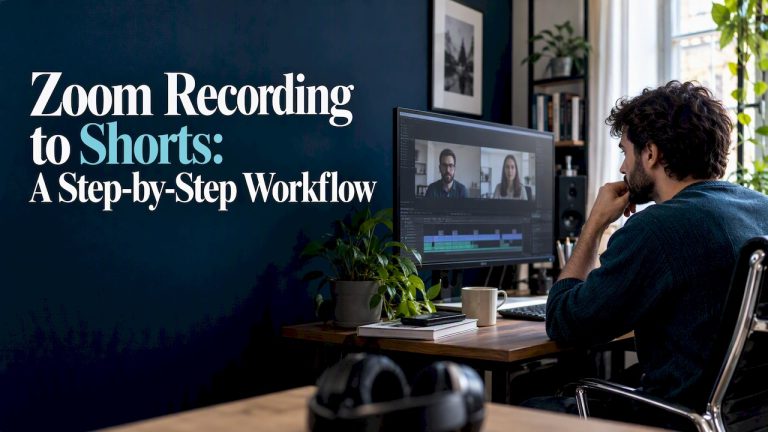
Turn a Zoom recording into YouTube Shorts, Reels and TikToks: download the MP4, pick moments, reframe vertically, fix captions and export. Steps and tool types.
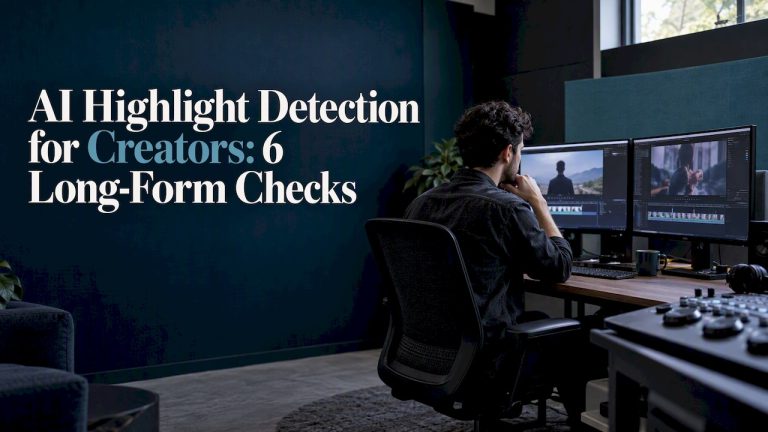
See how AI highlight detectors find moments in long recordings and preserve context. Check six essentials, from scoring and exports to privacy.
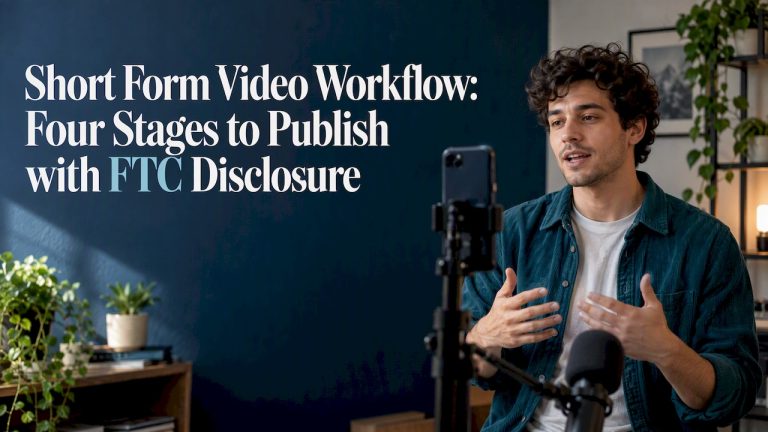
Plan, record, edit, and publish short videos with a workflow in four stages, an edit checklist, FTC disclosure guidance, and settings for each platform.
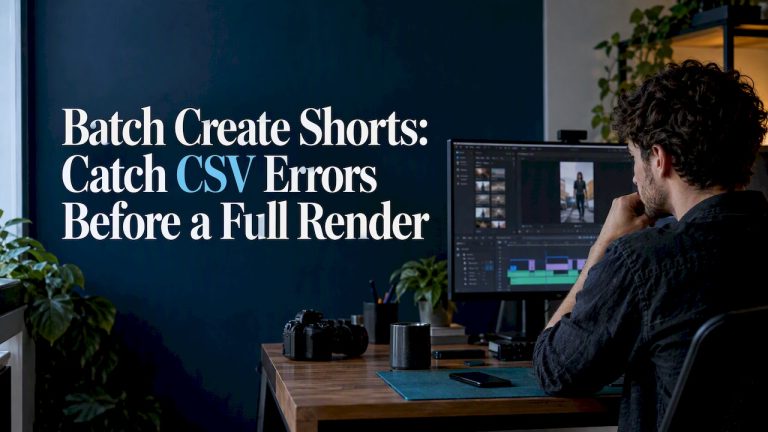
Batch create Shorts with reusable templates and a CSV feed. Test a small sample first to catch caption, timing, and audio problems before the full render.
See how auto punch in works, test a two minute clip, review editable effect layers, and refine zoom triggers in Premiere before your full edit.

Plan, produce and review AI UGC video concepts for social ads. Learn where human review, clear disclosure and platform-ready editing still matter.
Match browser, desktop, and meeting audio to the right captioning tool. Get Chrome and Windows setup steps, troubleshooting, and prepared caption advice.
Choose a TikTok video length by testing hooks, pacing and completion across short clips and longer explainers. Use a practical eight-week review framework.
Stabilize and grade footage first, use virtual relighting for quick fixes, and reserve generative tools for creative rescues. Check temporal stability.
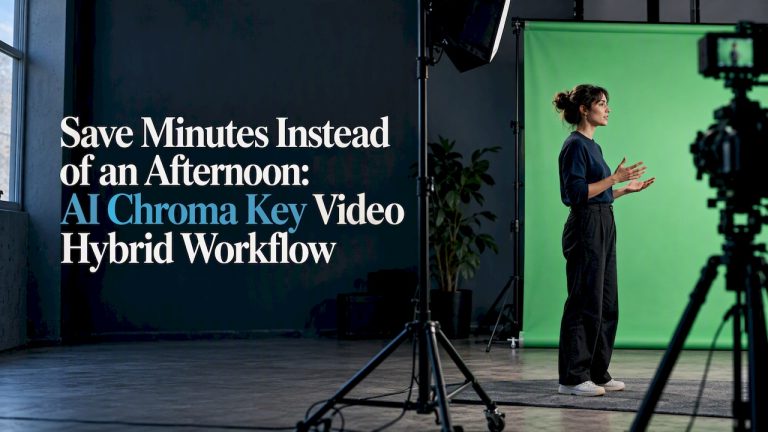
Use AI chroma key tools for fast first passes, then refine difficult edges, hair and spill in a traditional editor when the footage needs it.

Practical workflow guidance for YouTube creators: use a tested 7 factor scoring rubric to turn AI video idea generator output into clickable, verified videos.
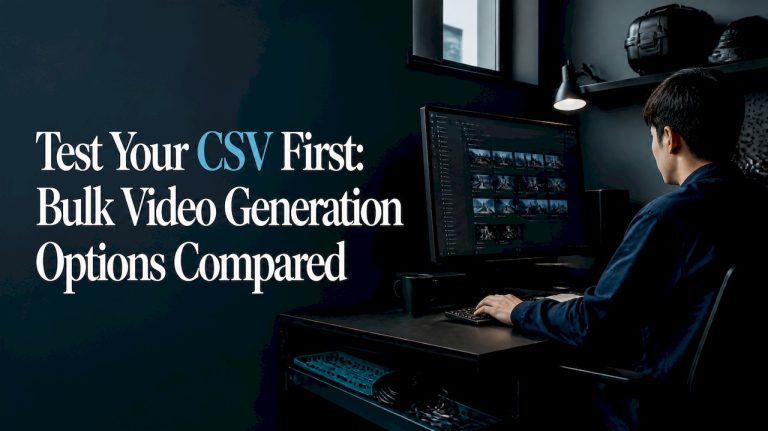
Compare no code CSV platforms, API first tools, and automation stacks for bulk video generation. Run a sample CSV batch before you buy.