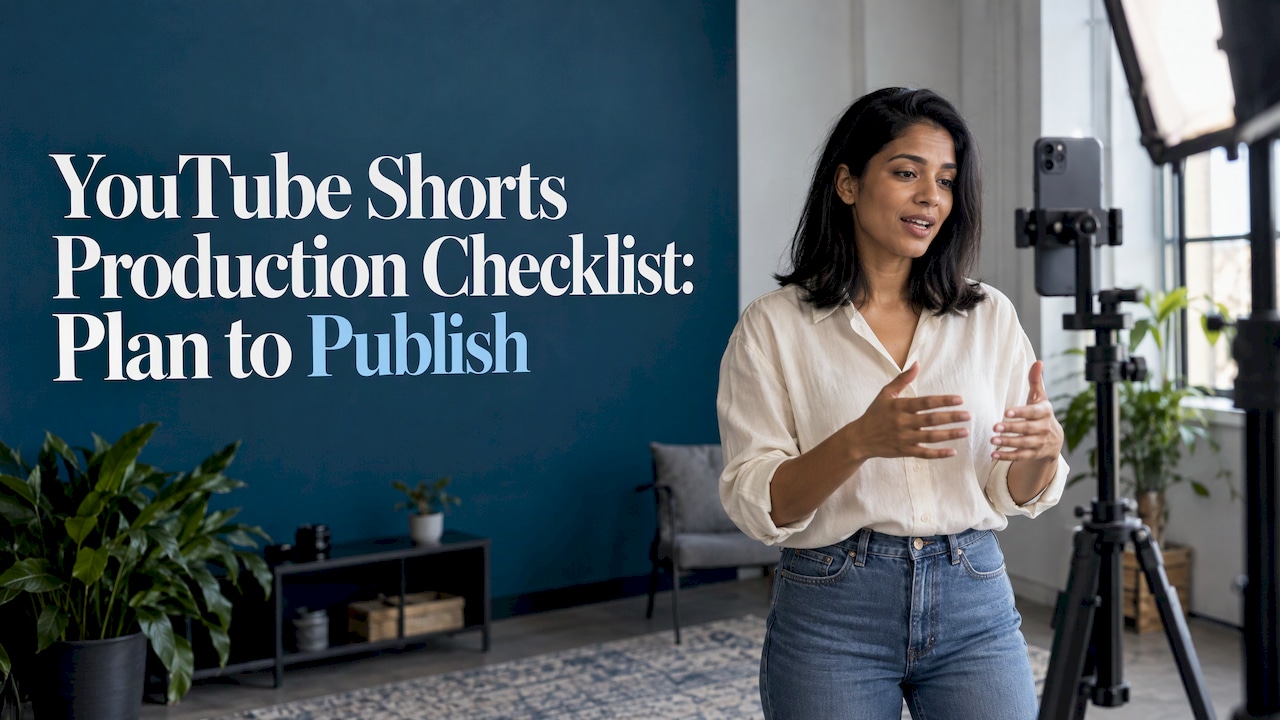
A reliable Shorts checklist has five stages: plan the idea, film clean vertical footage, edit and caption, run a pre-publish check, then review results. Skipping any one of them is where most rework comes from. Work through the stages below in order, and use the matching guides on our site when you need more depth on a single step.
TL;DR
- Plan one idea, one hook and one viewer takeaway before you record anything.
- Film vertical, lock exposure and focus, and keep audio clean at the source.
- Never publish auto-captions unchecked: review every line against the final audio.
- Before you post, confirm audience (made for kids or not), privacy, title, copyright and music.
- Shorts can run up to three minutes, but shorter edits are easier to produce on a repeatable schedule.
Table of Contents
- Stage 1: Plan the Short before you record
- Stage 2: Film footage and audio
- Stage 3: Edit efficiently
- Stage 4: Captions and on-screen text
- Stage 5: Pre-publish check
- Stage 6: Review after publishing
- One-page checklist
- Our perspective
- Pick the tools that fit your checklist
- FAQ
- Sources
Stage 1: Plan the Short before you record
Planning takes ten minutes and saves the most time later. YouTube’s April 2025 creator guide recommends choosing an idea that fits your niche and audience, and lists tutorials, skits, behind-the-scenes clips, challenges and musical snippets as formats. It also advises getting your message across quickly and capturing attention in the first few seconds.
Turn that into a planning box you fill in for every Short:
- Format: tutorial, skit, behind-the-scenes, challenge, music snippet or a clip cut from a longer video or podcast.
- Audience: one sentence on who this is for. A marketer making a product demo and a podcaster cutting a guest moment have different viewers.
- Hook: the first line or visual, written out. If you cannot say it in one breath, the idea is too wide.
- Payoff: what the viewer knows or sees by the end.
- Length target: decide before filming. Square or vertical uploads can now run up to three minutes, per YouTube Help, but a tight 20 to 45 seconds is simpler to script and edit.
- Source of footage: new recording, screen capture, b-roll library or a podcast episode you already own.
If you are repurposing long content, our guide on how to turn podcasts into Shorts covers picking moments that stand alone without context.
Stage 2: Film footage and audio
YouTube Help’s mobile filming guidance gives three practical rules: use the rear camera when possible because it records at higher resolution, turn off notifications to avoid interruptions, and lock exposure and focus when appropriate so brightness and sharpness do not shift mid-take.
A shoot-day checklist:
- Wipe the lens and set the phone to vertical.
- Switch to the rear camera, then lock exposure and focus on your subject.
- Turn on Do Not Disturb.
- Check the frame: subject centered, with space at the top and bottom for text and the Shorts interface.
- Record a five-second test, play it back with headphones, and listen for echo, hum and wind.
- Record the hook three ways. It is the cheapest insurance you have.
- Capture extra b-roll while you are set up.
If footage looks soft even though the lens is clean, a camera fault can be the cause; this guide to fixing a blurry Android camera walks through the common culprits before you reshoot.
For uploads, YouTube Help says Shorts can be up to 1080p. Our YouTube Shorts resolution guide lists the 1080 x 1920 spec and related settings, and the frame rate guide explains why 30 fps and exporting at source frame rate avoids variable frame rate problems.
Using the in-app camera
Inside the Shorts camera, YouTube Help describes a Flip control to switch between front and back cameras, plus speed, timer, effects, filters, green screen and Align. Music from the Shorts Audio Library is available at no charge. The timer helps with hands-free recording, and Align lines up objects between takes, which is how you build clean transitions from multiple segments, as the creator guide describes.
Stage 3: Edit efficiently
Keep the edit to a fixed sequence so every Short goes through the same pass:
- Trim to the hook. Cut dead air at the start. YouTube’s upload flow opens a trim editor for square or vertical videos up to three minutes, according to YouTube Help.
- Tighten the middle. Remove pauses, repeats and anything that does not serve the payoff.
- Add b-roll or cutaways where the visual gets static.
- Add text and filters. After recording, YouTube lists voiceover, text and filters as editing tools in the Shorts editor.
- Set audio. Balance voice against music so speech stays clear on a phone speaker.
- Export at the right resolution and frame rate.
When you produce Shorts weekly, a dedicated AI editor can handle clipping and reframing. Our tested list of AI tools for YouTube Shorts compares them on ease of use, output quality and pricing clarity, and how to make YouTube Shorts with AI walks through a full workflow. If you cut from podcasts, see AI tools for podcast clips.
Stage 4: Captions and on-screen text
Most Shorts are watched without sound at least some of the time, so captions are part of production, not decoration. Auto-generated text is a starting point. UC Berkeley’s Digital Accessibility team advises human review of auto-captions: check transcription, punctuation, speaker identification, important non-speech sounds and timing against the final audio.
Caption checklist:
- Read every line with the sound on.
- Fix product names, acronyms and proper nouns, which auto tools get wrong most often.
- Confirm line breaks are short enough to read in about two seconds.
- Keep captions away from the bottom edge where interface buttons sit.
- Check that text is in sync after any last trim.
If you want the process timed and tooled, see publish-ready captions in 30 to 90 seconds and our roundup of video editors with auto captions.
Stage 5: Pre-publish check
This is the stage most checklists skip, and it is where avoidable problems happen. In the upload flow, YouTube Help lists previewing the Short, adding sounds, text-to-speech or effects, writing a title of up to 100 characters, choosing an audience and privacy setting, then uploading or saving a draft.
| Check | What to confirm |
|---|---|
| Preview | Watch the whole Short once on a phone, with sound and without |
| Title | Clear, under 100 characters, the main phrase near the front |
| Description and hashtags | Descriptive text and relevant hashtags, as the creator guide recommends |
| Audience | Mark whether it is made for kids; YouTube Help says this is required for COPPA compliance in the U.S. |
| Privacy | Public, private or unlisted. Creators aged 13 to 17 default to private; creators 18 and older default to public, per YouTube Help |
| Music and clips | Use the Shorts Audio Library or material you have rights to |
| Captions | Reviewed and synced |
Copyright and sponsored content
YouTube Help warns that copyright-protected material in a Short made outside the app must be approved for use on YouTube. Otherwise it can trigger a Content ID claim or, after a valid takedown notice, removal and a copyright strike. If the Short promotes a product you were paid or given something for, add the disclosure step described in our short-form video workflow, which covers the FTC disclosure stage.
For discoverability, our YouTube Shorts SEO guide breaks down the signals worth optimizing, and this walkthrough on optimizing videos for SEO is useful when the Short supports a wider search strategy.
Stage 6: Review after publishing
The creator guide suggests using YouTube Analytics to understand what resonates. Keep a simple log for each Short: hook used, length, format, and how viewers responded in the first days. After ten Shorts, compare which hooks and formats repeat among your better performers and make those your defaults. If revenue matters, read our Shorts monetization guide next.

One-page checklist
Plan: format, audience, hook, payoff, length, footage source.
Film: rear camera, locked exposure and focus, notifications off, audio test, three hook takes, b-roll.
Edit: trim to hook, tighten, add b-roll, text, balanced audio, export at the correct spec.
Caption: review every line, fix names, check timing and placement.
Publish: preview, title, description, hashtags, audience setting, privacy, rights, disclosure.
Review: log the results and update your defaults.
Our perspective
Tool overload is the real production bottleneck for creators. Most missed steps on a Shorts workflow are not skill problems; they are handoff problems between an editor, a caption tool and a publishing step.
That is why we test tools inside real workflows such as Shorts, podcast clips and faceless videos, and we verify pricing and score on use-case fit and ease of use. Our rankings are based on that fit, not on paid placement.
Build the checklist first, then choose tools that cover its stages with the fewest handoffs. A checklist you can run in the same order every time is worth more than any single feature.
H
Pick the tools that fit your checklist
Our directory is built for exactly this step: hands-on reviews, verified pricing and side-by-side comparisons across editors, caption generators and repurposing tools. Start with the Best AI Video Editors category, or browse every tool we cover.
FAQ
How long can a YouTube Short be?
YouTube Help says Shorts can be up to three minutes long. The three-minute limit applies to square or vertical videos uploaded on or after October 15, 2024, as one guide notes. Check YouTube Help for the current limit before you plan a longer edit.
What equipment do I need to make Shorts?
A phone with a rear camera is enough to start. Add a stable surface or tripod, a lens wipe and a quiet space, and test your audio before the real take. Better sound usually matters more than a better camera.
Do I need to add captions myself?
YouTube may generate captions automatically, but Berkeley’s accessibility guidance recommends reviewing them for accuracy, speaker cues, sound cues and timing. Treat auto-captions as a first draft and correct them before publishing.
Where do I get footage for Shorts?
Film it yourself, record your screen, reuse b-roll you own, or clip moments from longer videos and podcasts you have rights to. Music can come from the Shorts Audio Library at no charge.
Sources
- Your guide to getting started with YouTube Shorts (YouTube Blog)
- Tips to film with mobile (YouTube Help)
- Tips to create YouTube Shorts (YouTube Help)
- Get started creating YouTube Shorts (YouTube Help)
- Upload YouTube Shorts (YouTube Help)
- Upload YouTube videos (YouTube Help)
- Video Caption Support for Social Media Platforms (UC Berkeley Digital Accessibility)
- How to Add Subtitles to YouTube Shorts
- Android Camera Suddenly Blurry? Fix It in Under 5 Minutes
- How to Optimize Videos for SEO