Best AI Video Editors
Best AI Video Editors helps creators compare tools, pricing limits, workflow fit, alternatives, and practical use cases before choosing an AI video stack.
Quick verdict
The Best Choice Depends on the Video Workflow
The smartest AI video stack is rarely one tool. Creators usually need a caption tool, a repurposing tool, an editor, a thumbnail or design tool, and sometimes an avatar or generative video tool. This page sorts the options by practical creator workflow instead of treating every app as interchangeable.
Ranked tools
Recommended Tools to Compare First
Use these cards as your shortlist, then read the full review before choosing a paid plan.
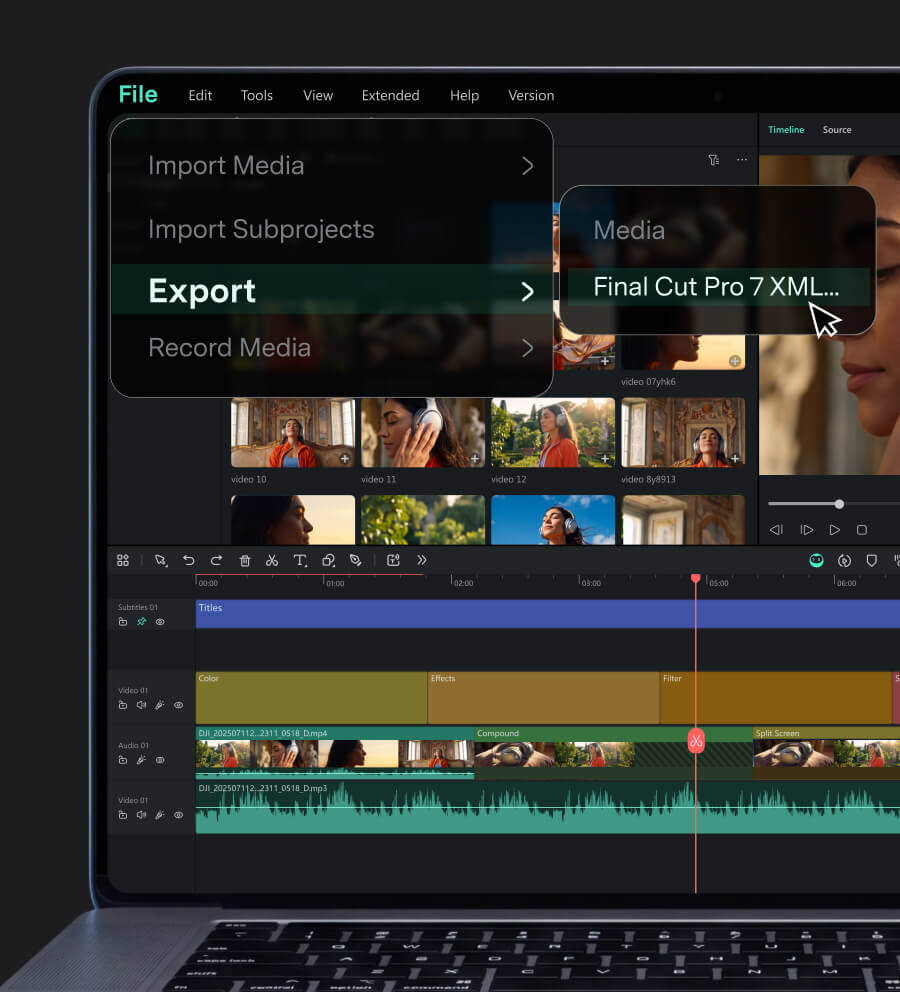
1. CapCut
CapCut is best understood as a Video editor tool. It is a strong fit for TikTok, Reels, and Shorts creators who need fast mobile-first editing.
Best for: fast social-first editing. Price: Free $0; Pro $19.99/mo or $179.99/yr; Standard $9.99/mo mobile-only; Ultra $79/mo. Eligible new users in supported regions may get a 7-day Pro trial.
2. VEED
VEED is best understood as a Online video editor tool. It is a strong fit for Creators and teams that want browser editing, captions, resizing, and collaboration in one workspace.
Best for: browser-based captions and polish. Price: Free $0 (watermark, 720p, 2GB storage); Lite $19/mo or $12/mo billed annually ($144/yr); Pro $49/mo or $24/mo billed annually ($288/yr); Enterprise custom. Pro’s annual figure is reported as $24/mo by most sources and $29/mo by others — verify at checkout.
3. Descript
Descript is best understood as a Text-based video editing tool. It is a strong fit for Podcasters, interview editors, and teams editing spoken-word audio/video.
Best for: spoken-word editing. Price: Free $0 (1 media hour/mo, watermarked exports); Hobbyist $24/mo or $16/mo billed annually ($192/yr); Creator $35/mo or $24/mo annual ($288/yr); Business $65/mo or $50/mo annual ($600/yr). Per person; media hours and AI credits are metered.
4. Filmora
Filmora is best understood as a Video editor tool. It is a strong fit for Creators who want a familiar desktop editor with templates and AI helpers.
Best for: desktop timeline editing on a budget — the cheapest paid entry on this page. Price: Free $0 (watermark); Basic $49.99/yr (~$4.17/mo); Advanced $59.99/yr (1,000 AI credits/mo); Premium $99.99/yr (2,000 AI credits/mo); Perpetual $79.99 once (1,000 AI credits once, updates within Filmora 16 only). No monthly billing for the editor — $19.99/mo is the Creative Assets add-on, not the editor.
5. Adobe Premiere Pro
Adobe Premiere Pro is best understood as a Professional video editor tool. It is a strong fit for Editors and production teams needing advanced control and professional workflows.
Best for: professional production control. Price: Single app $22.99/mo on an annual plan billed monthly ($34.49 month-to-month); Creative Cloud Pro $69.99/mo annual (20+ apps). No free plan — 7-day trial. Adobe dropped “Pro” from the product name in January 2026, so the app is now listed as Adobe Premiere.
6. Kapwing
Kapwing is best understood as a Online video editor tool. It is a strong fit for Teams that want browser editing, captions, templates, and shared workspaces.
Best for: browser-based team editing. Price: Free $0 (watermark, 720p, 4-min exports); Pro $16/mo billed annually (1,000 credits/mo, 4K, 120-min exports); Business $50/mo billed annually (4,000 credits/mo, voice clones, lip sync). Monthly-billed figures are not published on the vendor page — check at checkout.
7. Canva Video
Canva Video is best understood as a Template video tool. It is a strong fit for Marketers and creators making social videos, thumbnails, presentations, and brand assets.
Best for: template-driven brand and social video. Price: Free $0; Pro $18/mo or $12/mo billed annually ($144/yr), one person; Business $25/person/mo or $250/person/yr.
Some links on this page are affiliate links — TechVideoBlog may earn a commission when you buy through them, at no extra cost to you. Read the affiliate disclosure.
Buying guide
What to Check Before Choosing
- Output quality: Does the tool create usable video, or does it require heavy cleanup?
- Speed: How long does it take to process a 10-minute source video or generate a finished clip?
- Pricing model: Watch for credit limits, export caps, watermark restrictions, and annual-only discounts.
- Data policy: Check whether uploaded footage can be used to train AI systems or improve models.
- Workflow fit: A good TikTok tool may be a poor fit for webinars, training videos, or client work.
Verified data
Pricing and Plan Limits Snapshot
These pricing and limit notes come from the TechVideoBlog research database. Pricing changes often, so use this as a decision snapshot and verify the current checkout page before buying.
Risk check
Privacy and AI Training Checks
This is where TechVideoBlog can be more useful than generic tool lists: we track data-use language, opt-out availability, and sensitive-footage risk as buyer criteria.
Decision guide
How to Shortlist Best AI Video Editors
A strong Best AI Video Editors shortlist should include at least one tool for creation, one for editing or captions, and one for repurposing. This gives creators a practical stack instead of forcing one platform to solve every video problem.
Start with CapCut
Use this as the baseline if it matches the main job of the page. Check the first export, how much cleanup is required, and whether the paid plan removes the limits that would slow down weekly publishing.
Compare VEED
Run the same source through a close alternative before committing. This is the fastest way to spot differences in caption control, clip selection, browser speed, collaboration, and final export quality.
Keep Descript in reserve
A backup tool matters when pricing changes, a feature is gated, or a workflow breaks at scale. Keep at least one credible alternative for the same use case before buying an annual plan.
The most reliable test is simple: choose one real project, set a time limit, export the result, then count how many edits are still needed before the video is publishable. That practical test is more useful than a feature checklist alone.
Buyer checks
Limits to Verify Before You Import a Workflow
AI video tools change quickly, especially around credits, export quality, free-plan limits, watermark rules, and model policies. Before you build a repeatable workflow around Best AI Video Editors, verify the details that can affect cost and publishing quality.
Methodology
How TechVideoBlog Evaluates AI Video Tools
Our goal is to help creators choose tools that actually fit their workflow, not just the tools with the loudest marketing. For each authority page we combine official pricing and policy research with workflow criteria like output quality, editing control, caption accuracy where relevant, free-plan restrictions, collaboration features, platform fit, and whether the tool may train on uploaded user content.
Pricing, credit limits, and AI model policies can change quickly. Treat each page as a decision guide, then verify current plan details with the tool provider before buying. For our editorial standards, read How We Test AI Tools. For monetization disclosure, read the Affiliate Disclosure.
Keep comparing
Related TechVideoBlog Guides
FAQ
Frequently Asked Questions
What is the best AI video tool overall?
There is no single best tool for every creator. Start with your workflow: CapCut is best for fast social-first editing, Descript for spoken-word editing, VEED for browser captions and polish, Filmora for desktop timeline editing on a budget, Kapwing for browser-based team editing, Canva Video for template-driven brand video, and Adobe Premiere Pro for professional production control.
Are free AI video tools good enough?
Free plans can be useful for testing, but they often include watermarks, export limits, credit caps, or fewer brand controls. Use free plans to validate workflow fit before upgrading.
Does TechVideoBlog use affiliate links?
Yes — this page includes affiliate links for CapCut and VEED. Recommendations are still based on workflow fit, feature checks, pricing transparency, and editorial usefulness.